Roblox Player Info GUI – A Professional Profile Display System
Roblox Player Info GUI – A Professional Profile Display System
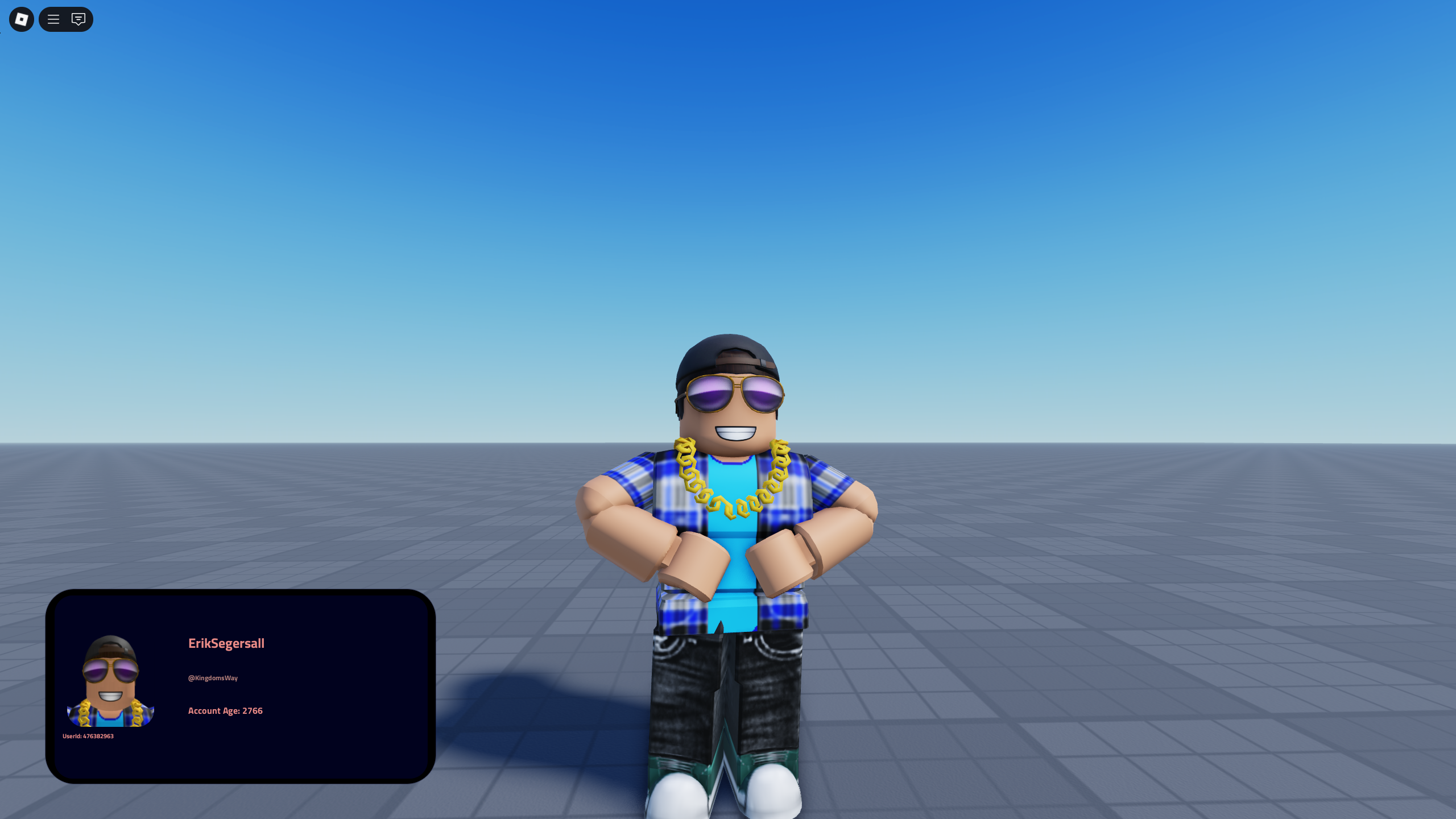
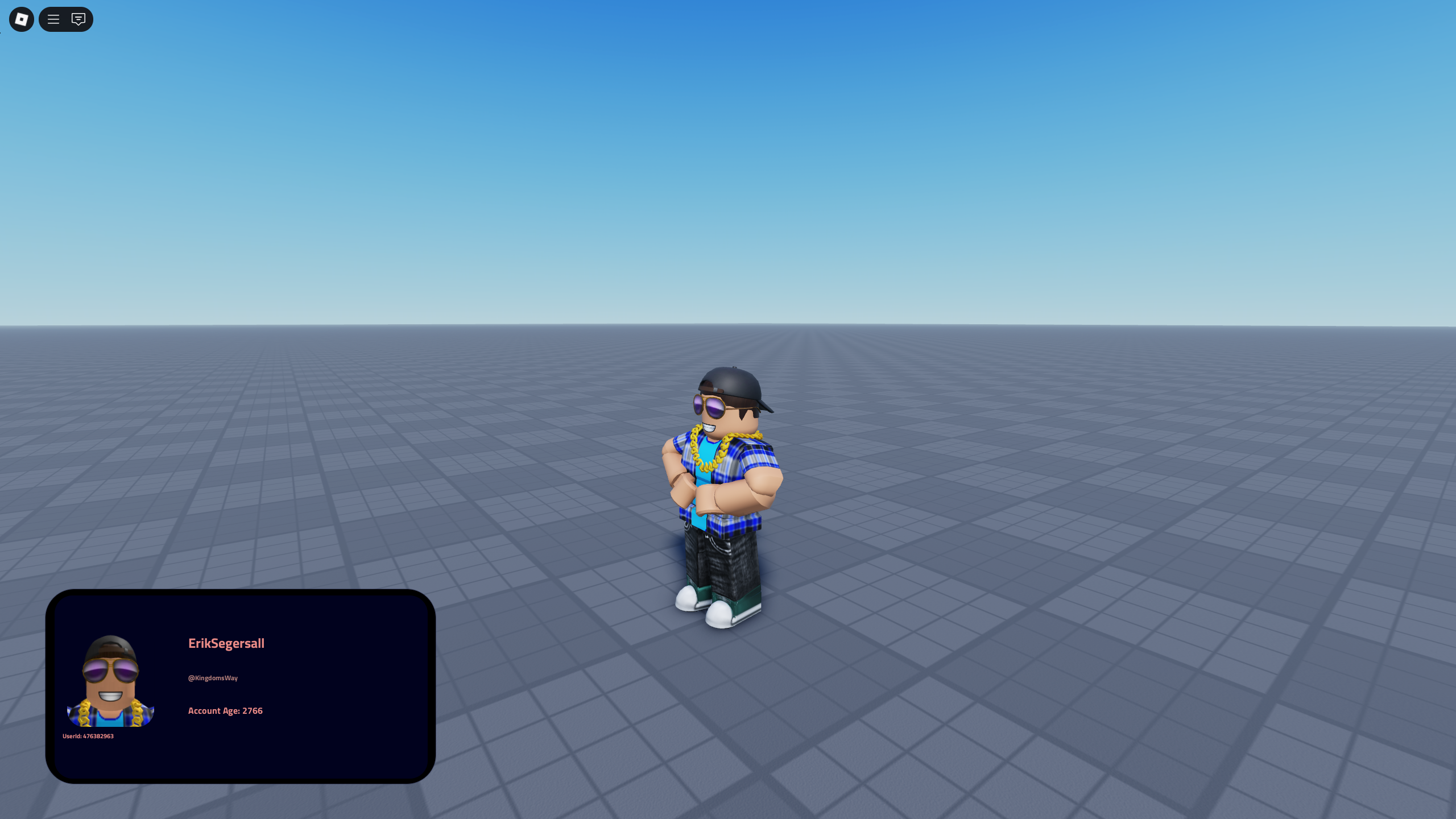
A brand-new UI system has just arrived on the KW Studio store — the Roblox Player Info GUI, a polished and fully scripted interface that displays key player information in a clean, modern format.
Designed for developers who want to add structure and professionalism to their Roblox games, this system automatically shows username, display name, User ID, and account age (in days) alongside a profile image. The result is a sleek, data-driven panel that enhances both immersion and game management.
The Player Info GUI is perfect for roleplay servers, admin tools, verification systems, and group or team-based games. With its black-and-red layout and responsive UI, it blends easily into any theme — whether futuristic, military, or modern. Integration is simple: drag, drop, and configure to fit your existing framework.
Key Highlights
-
Displays usernames, User IDs, and account age in real time
-
Profile picture preview for each player
-
Sleek modern design with red and black color palette
-
Easy integration into any game type
-
Optimized and performance-friendly for all devices
This is the ideal addition for developers who want a professional and immersive way to present player data in their Roblox experiences.
Explore it here:
👉 Player Info GUI
Or browse related collections:
👉 KW Studio – Roblox Asset Marketplace
Files
Get Roblox Player Info GUI – Profile Display with User ID & Account Age
Roblox Player Info GUI – Profile Display with User ID & Account Age
A clean, modern Roblox UI that displays player usernames, IDs, and account age.
| Status | Released |
| Category | Assets |
| Author | kwstudio.org |
| Tags | admin-tools, game-ui, player-info-gui, profile-interface, roblox, roblox-assets, roblox-studio, roleplay-game, scripted-systems, verification-system |